Golf Course Software vs. Generic Booking Apps
A golf course does not sell appointments the same way a salon, clinic, or fitness instructor sells appointments. That sounds obvious until a course tries to run tee times through generic booking software and discovers how much operational detail lives behind a single start time.
Generic booking apps can be excellent for straightforward service businesses. Tools in the appointment-scheduling category, including platforms like FullSlate, are commonly positioned around online appointment booking, staff schedules, reminders, deposits, client records, and calendar availability. For a lesson pro, massage therapist, consultant, or small studio, that can be exactly enough.
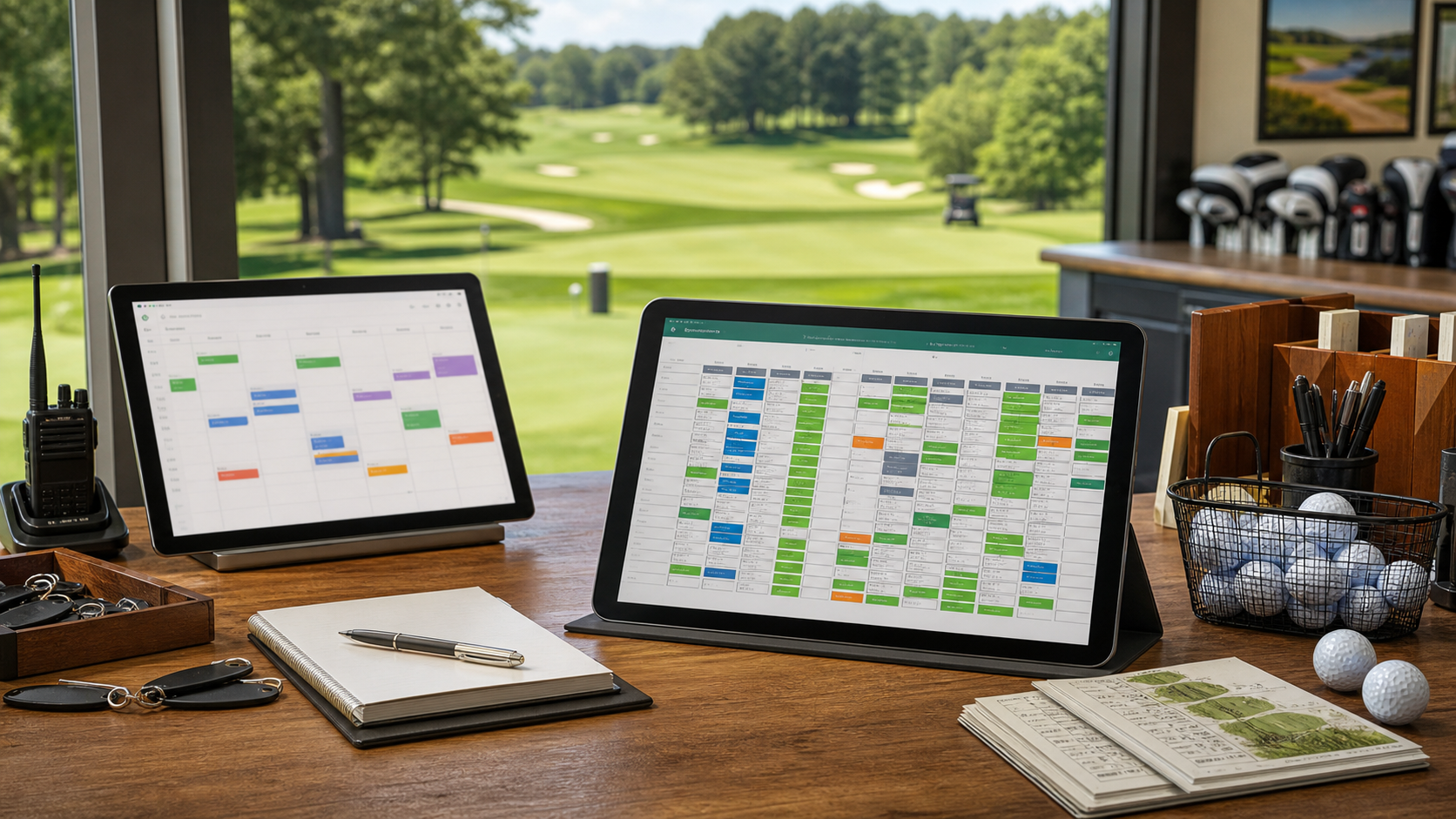
Golf is different. A tee time is not just a calendar slot. It is perishable inventory connected to group size, carts, pace, weather, member rules, no-show policy, payments, pro shop check-in, league play, simulator bays, and reporting. That is why specialized golf course management software usually fits better than a generic booking tool.
The core difference: appointments vs. tee sheet inventory
Most generic booking software is built around a simple pattern: a customer chooses a service, selects an available time, receives reminders, and pays a deposit or balance. That model is clean because one appointment usually maps to one provider, one room, one service, and one customer record.
A golf tee sheet has more moving parts. A 9:20am tee time might represent one golfer, two golfers, three golfers, or a foursome. It may need two carts, a member rate, a resident verification rule, a prepaid deposit, a rain check credit, a league association, and a starter note. It also affects the 9:28am and 9:36am tee times because pace and interval spacing matter.
That difference changes the software requirements:
- Generic booking apps manage availability. Golf software manages sellable tee sheet inventory.
- Generic booking apps schedule services. Golf software coordinates rounds, carts, groups, members, and operational handoffs.
- Generic booking apps reduce phone tag. Golf software should also protect peak-time revenue and speed up check-in.
Where generic booking tools can work for golf
There are situations where a generic scheduler can be useful at a golf facility. If you only need to book private lessons, fittings, indoor training sessions, or occasional appointments with a specific instructor, a general appointment tool may be serviceable.
It can help with:
- Lesson scheduling: one coach, one student, one time slot.
- Club fittings: appointment-style sessions with clear duration.
- Simple consultations: event inquiries, membership tours, or staff calls.
- Basic reminders: automated email or SMS nudges for scheduled appointments.
The issue starts when the tool becomes the operational backbone for the golf course itself. Tee times, simulator bays, leagues, tournaments, cart assignments, rain checks, and POS workflows are not side details. They are the business.
What golf-specific software has to handle
Golf course management software should understand the way a course actually runs. That means the system needs to support the public booking experience and the staff workflow behind it.
At minimum, operators should look for:
- Tee sheet controls: interval rules, blocked times, shotgun starts, split tees, 9-hole availability, back-nine starts, and course closures.
- Group-size logic: singles, twosomes, threesomes, foursomes, joinable spots, and player-count changes.
- Cart and rental handling: cart counts, rider/walker status, rental sets, range add-ons, and operational notes.
- Rate management: member, guest, resident, junior, senior, twilight, league, tournament, and simulator pricing.
- Payment policy support: deposits, prepayment, no-show fees, refunds, rain checks, credits, and chargeback documentation.
- Customer profiles: booking history, member status, preferences, credits, notes, and marketing segments.
- Reporting: utilization, revenue by source, no-shows, cancellations, cart attach rate, simulator occupancy, and member spend.
A generic scheduler may cover some of these pieces in a workaround-heavy way. The question is not whether a course can force it to work. The question is whether staff should have to spend a season translating golf operations into appointment software.
The hidden cost of forcing a generic scheduler to fit
Generic tools often look attractive because they are familiar, inexpensive, and quick to launch. But the real cost appears in staff time and inconsistent workflows.
Common workarounds include:
- Creating separate “services” for 9 holes, 18 holes, cart rounds, walking rounds, simulator bays, lessons, and events.
- Using staff members or rooms to represent tees, carts, bays, or course areas.
- Tracking player counts in custom fields instead of tee sheet structure.
- Handling rain checks, no-shows, and credits outside the booking record.
- Reconciling payments manually between the scheduler, POS, and accounting reports.
Those workarounds may be tolerable at low volume. They become fragile on a Saturday morning, during league season, or when weather forces staff to make fast refund and credit decisions.
A useful test: if your staff need a separate spreadsheet to explain what happened on the tee sheet, the booking system is not carrying enough operational context.
Why tee time payments need golf context
Payment workflows are another place where generic booking and golf-specific booking diverge. Many appointment tools can collect deposits or full payment online. That is helpful, but golf payments often need policy context.
For example:
- A foursome books online, but only three players arrive.
- A group cancels inside the course’s 24-hour window.
- Weather interrupts play after five holes.
- A member applies a credit to one player in a mixed group.
- A simulator customer extends the bay by 30 minutes and adds food or drinks.
Each situation affects revenue, customer experience, and staff consistency. The software should make the policy easy to apply and easy to document. That matters for fairness, dispute prevention, and daily close.
Simulator facilities need more than appointment slots too
Indoor golf and simulator facilities can be tempted by generic booking software because bay reservations look like appointments. One bay, one time slot, one customer — simple enough.
But the complexity shows up quickly. Simulator operators often need prepaid packages, recurring league nights, food and beverage add-ons, lesson bookings, memberships, bay extensions, multi-player groups, gift cards, and customer profiles. Peak evening inventory is perishable just like tee times.
A simulator booking system should answer operational questions such as:
- Which bays are booked, open, extended, or running late?
- Who has prepaid hours or package credits?
- Which customers are league players, members, or first-time guests?
- How much revenue came from bays vs. lessons vs. F&B?
If a generic scheduler cannot connect those answers, the staff will end up filling the gaps manually.
A simple buyer checklist
Before choosing between golf course management software and a generic booking app, ask these questions:
- Can the system represent a tee sheet natively? Not just calendar slots, but golf-specific start times, group sizes, and operational notes.
- Can staff check in players quickly? The booking, payment status, cart needs, and customer profile should be visible without hunting.
- Can it handle real golf policies? No-shows, rain checks, cancellations, refunds, credits, and prepaid rounds should be tied to the booking.
- Can it support multiple revenue centers? Tee times, simulators, POS, memberships, leagues, tournaments, rentals, and lessons should not live in isolated islands.
- Can reporting guide decisions? Operators need utilization, revenue, no-show, payment, and customer data they can act on.
For a structured evaluation, use our Golf Booking Software Fit Scorecard. It gives your team a practical way to compare generic schedulers against golf-specific platforms before you commit to a system.
Where BookATee fits
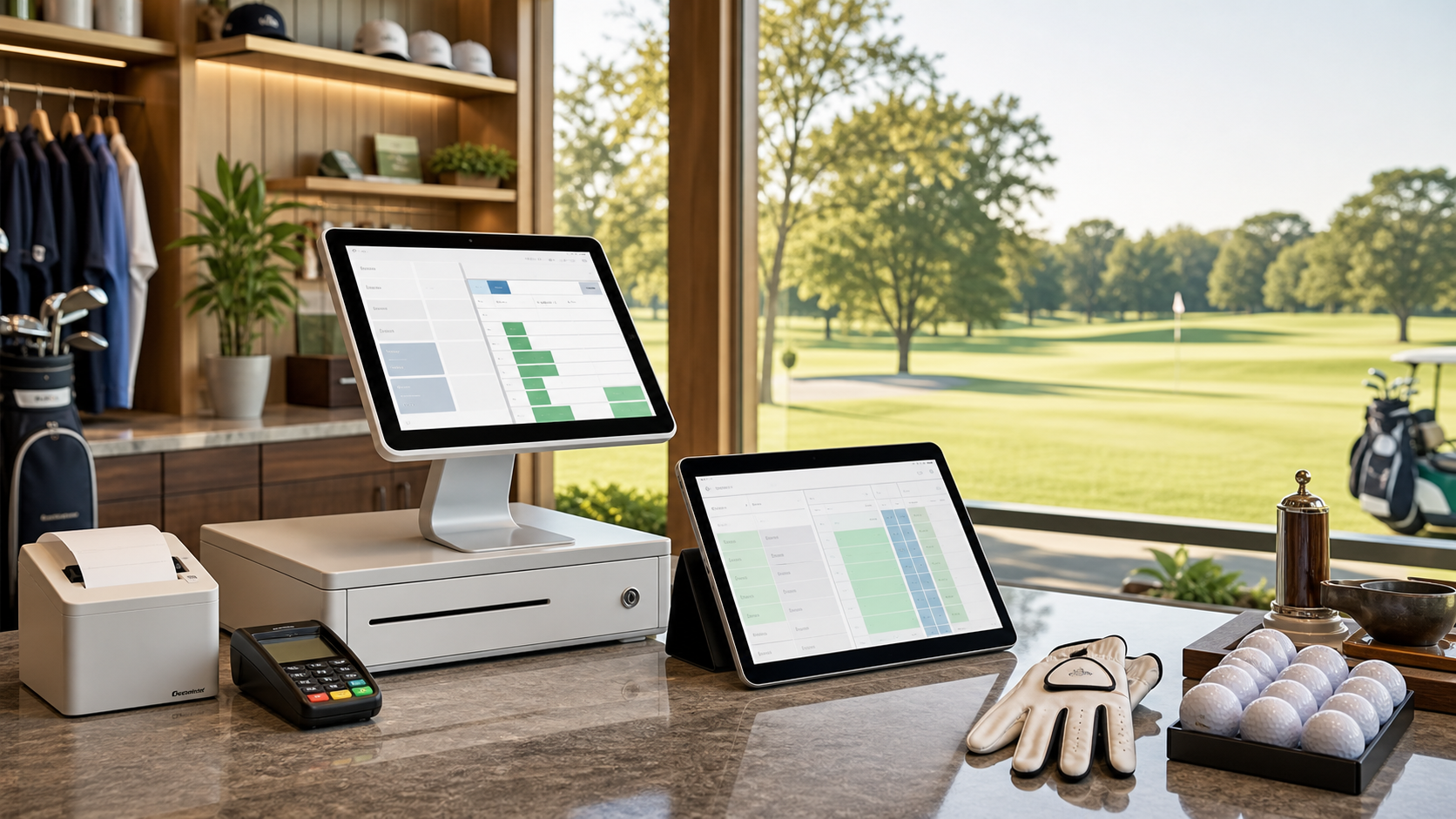
BookATee is built for the messy, practical reality of golf operations: tee times, payments, members, simulators, POS workflows, marketing, and course management working together instead of being patched together at the counter.
Generic booking software can be useful when the job is simple appointment scheduling. But if the software is expected to run your tee sheet, protect peak inventory, support staff decisions, and give managers clean reporting, golf-specific course management software is usually the better fit.
The best system is the one that matches how your facility actually earns revenue. For golf courses, that means starting with golf operations — not trying to make a generic calendar behave like a tee sheet.